
XML data sources typically use a hard-coded XPath to retrieve record data. However, EasyCatalog allows parts of the XPath to be user-definable, or parameter-based. These parameters are displayed in the Data Source Information dialog, which can be accessed via the Information icon on the data panel. Any changes made are applied the next time the data is synchronized.
Parameters are defined using double curly braces and act as simple substitutions within the XPath. Up to four parameters can be defined, each with an optional default value. For example:

1 | /xmlfeed/product[@id={{id:12345}}] |
This XPath retrieves only records where the id attribute matches the value specified by the user. In this case, the default value for the parameter is 12345.
The current parameter values are also displayed in the Data Source Information dialog.
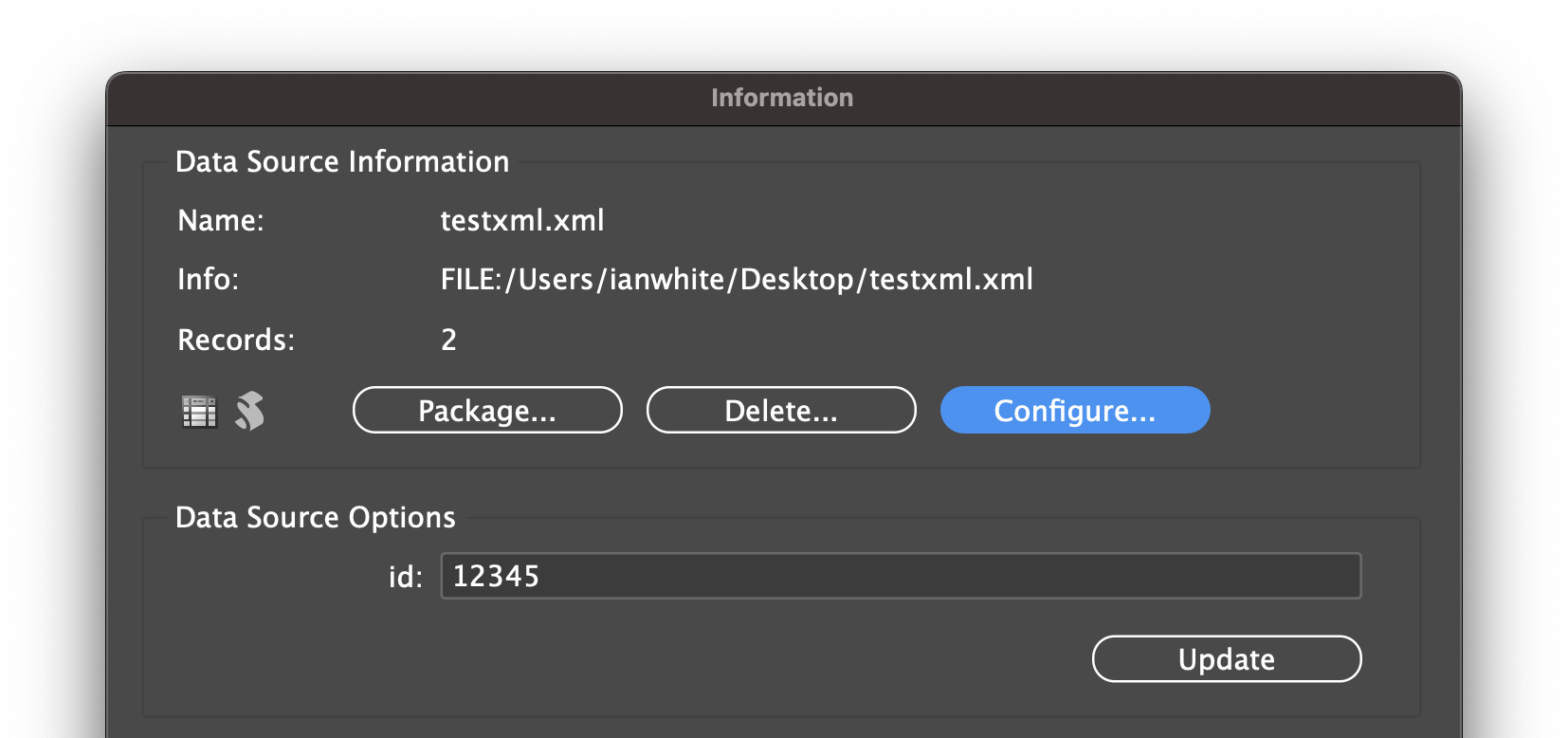
After changing the parameter values, click Synchronize (or use the ‘Synchronize with Data Source‘ menu option) to retrieve a new set of data using the updated parameters.